Getting a smart scale to sync with Apple Health should be simple, but permissions and app settings can make the setup confusing. For most people, the first connection takes under five minutes.
This guide covers Renpho, Withings, Eufy and Garmin, plus how to display weight in stone and fix common sync problems. Use our kg to stone converter for any reading you want to convert.
Which Smart Scales Work with Apple Health?
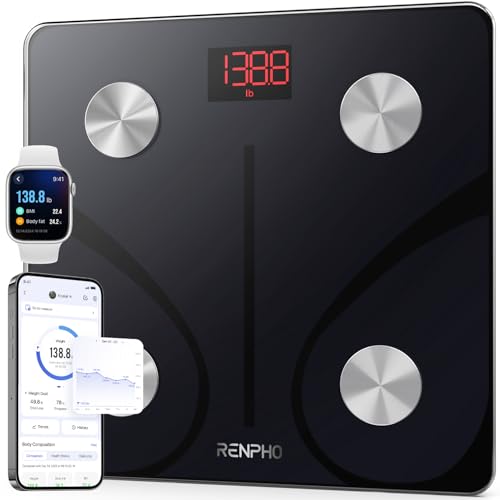
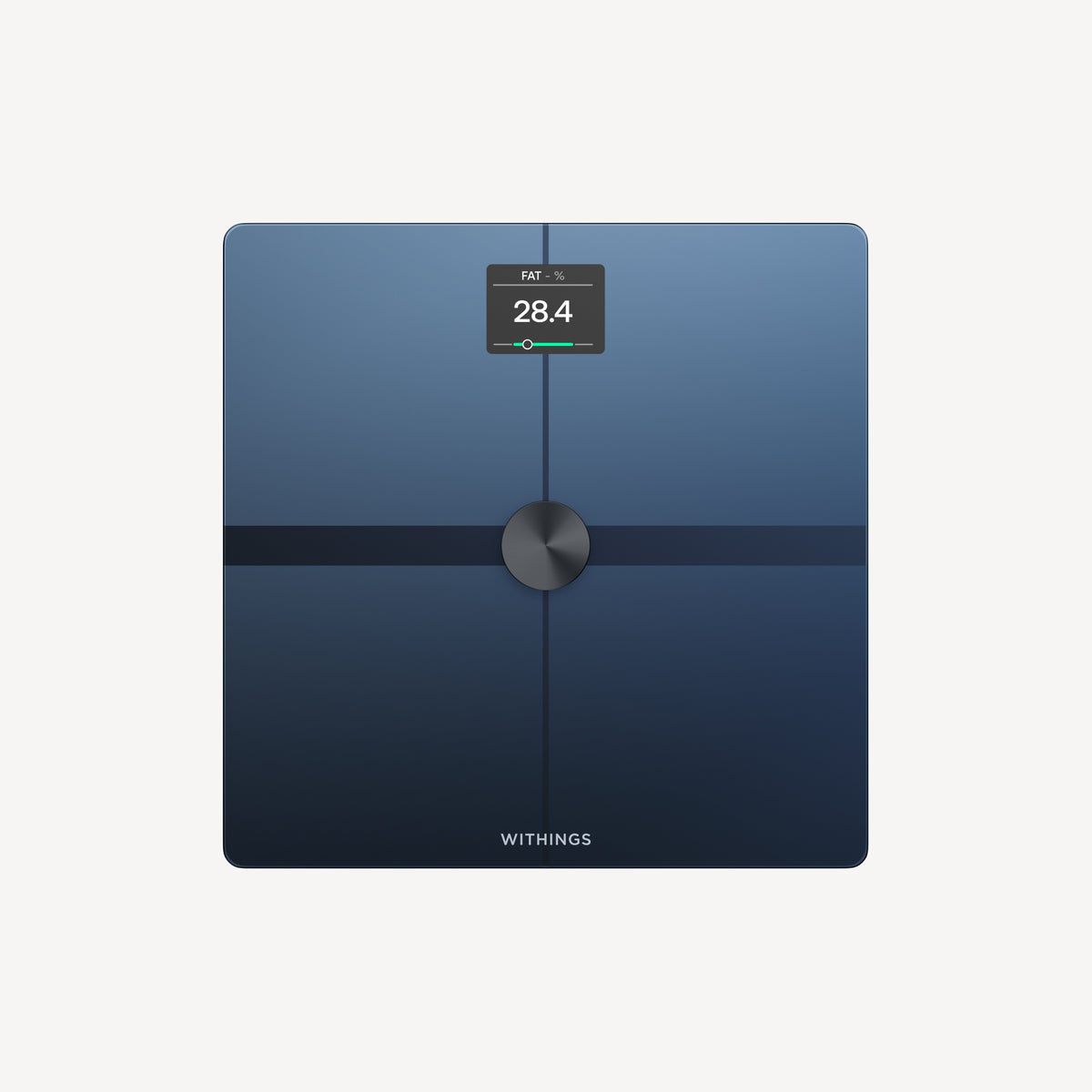
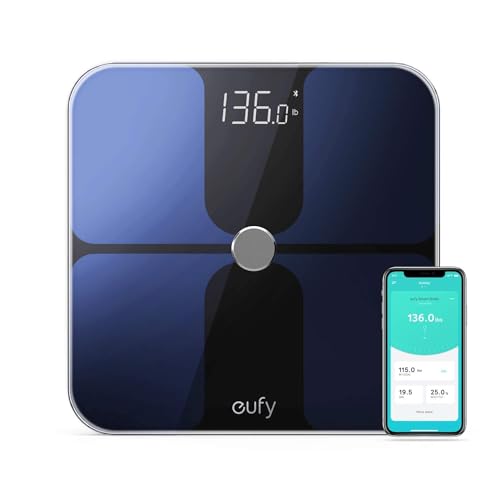
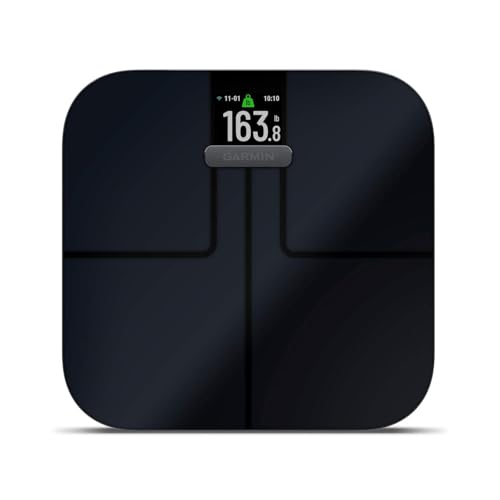
| Scale brand | Apple Health | Connection |
|---|---|---|
| Renpho | Yes | Renpho Health app |
| Withings | Yes | Health Mate app |
| Eufy | Yes | Eufy Health app |
| Garmin Index S2 | Limited | Garmin Connect |
| Nokia | Yes | Health Mate app |
The Garmin Index S2 is the main exception. Garmin Connect can sync activity data to Apple Health, but it does not natively write body-composition data.
If Apple Health integration is important, Renpho, Withings or Eufy may be a better fit.
How to Connect Renpho to Apple Health
Renpho connects to Apple Health through the Renpho Health app.
Step 1: Download the Renpho Health app. Open the App Store, install Renpho Health, then create an account or log in.
Step 2: Set up your scale. Follow the in-app instructions to pair the scale by Bluetooth and take your first reading.
Step 3: Enable Apple Health. In Renpho Health, open Profile, Connected Apps or Integrations, then Apple Health. Allow Weight and any other metrics you want to sync.
Step 4: Verify the sync. In Apple Health, open Browse, Body Measurements and Weight. Take a new reading if it does not appear immediately.
To display stone in Renpho, open Profile, My Profile and Unit, then select Stone.
How to Connect Withings to Apple Health
Install Health Mate by Withings and follow the in-app instructions to connect your scale.
In Health Mate, open Profile, Apps and Devices, then Apple Health. Allow Health Mate to write Weight, Body Fat Percentage and BMI if you want those metrics available.
Check Apple Health under Browse, Body Measurements and Weight. Withings Wi-Fi scales can sync even when your phone is not nearby.
To display stone, open Health Mate, go to Profile and Preferences, then select Stone and Pounds.
How to Connect Eufy Smart Scale to Apple Health
Install Eufy Health, create an account and pair the scale using Bluetooth. Keep your iPhone within range during weigh-ins.
In Eufy Health, open Profile, Connected Services and Apple Health. Enable the integration and grant the permissions you need.
Check Apple Health under Browse, Body Measurements and Weight after your next weigh-in.
Changing Weight Units in Apple Health
UK iPhones typically display kilograms. To change the display, open Settings, General, Language and Region, and set Region to United Kingdom.
You can also open a weight reading in Apple Health and use the unit selector on the graph to switch between kg, stone and pounds.
For height-based context, use our BMI calculator. For conversion, use our kg to stone converter.
Fixing Common Sync Problems
Renpho is not syncing. Check iPhone Settings, Privacy and Security, Health, then Renpho. Enable Write permission for Weight and take a new reading.
Withings data is missing. Check Wi-Fi credentials in Health Mate after a router change, then confirm Apple Health permissions.
Apple Health shows kg instead of stone. Check the iPhone region settings and use the unit selector on the weight graph.
The scale paired but sends no data. For Renpho and Eufy, enable Bluetooth and stay within range. For Withings, check the scale’s Wi-Fi connection.
How Apple Health Uses Your Weight Data
Apple Health can calculate BMI when you have entered your height, and it shows daily, weekly, monthly and annual weight trends.
Other apps can use the data only when you grant permission. Health data is stored on your iPhone and backed up to iCloud when Health backup is enabled.
How to Read Synced Weight Data
Use similar measurement conditions when comparing readings. Hydration, meals and clothing can cause short-term variation, so a repeated trend is usually more useful than one change.
Apple Health data is not a diagnosis. Use the BMI calculator for height-based screening context.
Common questions
Apple Health Smart Scale FAQ
Does Renpho sync with Apple Health?
Yes. Enable Apple Health in Renpho Health under Profile and Connected Apps, then allow Weight permission.
Does Withings sync with Apple Health?
Yes. Enable it in Health Mate under Profile, Apps and Devices, then Apple Health.
Does Garmin Index S2 sync with Apple Health?
Not natively for body composition. Garmin Connect can sync some activity data, but Renpho or Withings are better choices for Apple Health weight integration.
Can I see my weight in stone in Apple Health?
Yes. Set your iPhone region to United Kingdom or use the unit selector on a weight reading in Apple Health.
Why is my smart scale data not showing?
Check the app’s Health permissions, Bluetooth range for Bluetooth scales, and Wi-Fi status for Withings scales.
How do I convert kg to stone for Apple Health?
Divide the kg reading by 6.35029, or use our kg to stone converter.